
We have developed our own software (in C++ of course) that uses Office Automation and sqlite3 to maintain a database of all editorial comments we receive from Technical Editors about our book‘s chapters.
For example, there is an option to enumerate all comments in the Word document, along with the status (resolved / not resolved), and any additional replies within the thread.
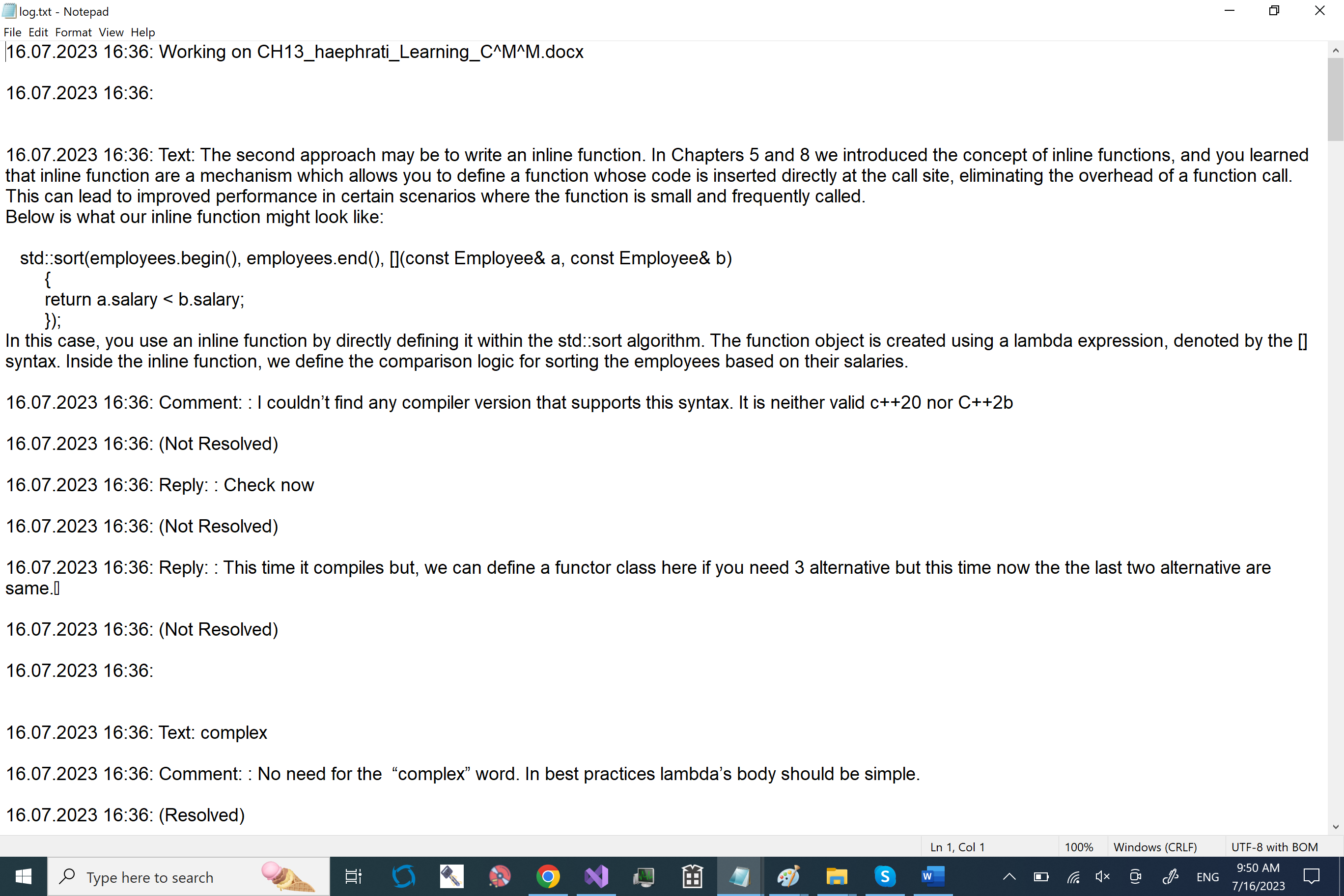
We use the same log function described in Chapter 17, WriteLogFile() to store the information in a log file as well, and in this video, we show what that log file looks like.
For example, here is how we extract the entire text form a given comment in a Word document
OLECHAR *OfficeAutomation::GetTextOfComment(IDispatch *pComment)
{
	IDispatch *pCommentRange = nullptr;

	// First we get the Range object associated with the text of the comment
	VARIANT result;
	VariantInit(&result);
	m_hr = OLEMethod(DISPATCH_PROPERTYGET, &result, pComment, (LPOLESTR)L"Range", 0);
	if (FAILED(m_hr))
	{
		return nullptr;
	}

	if (result.vt == VT_DISPATCH && result.pdispVal != nullptr)
	{
		pCommentRange = result.pdispVal;

		// Now we get the text from the Range object
		m_hr = OLEMethod(DISPATCH_PROPERTYGET, &result, pCommentRange, (LPOLESTR)L"Text", 0);
		pCommentRange->Release();

		if (FAILED(m_hr))
		{
			return nullptr;
		}
		if (result.vt == VT_BSTR)
		{
			return result.bstrVal; // comment text returned
		}
	}

	return nullptr;
}
You can also see how AI can be used to help with such automation tasks in this article we published in InfoQ.


 Learning C++
Reblogged this on How to code.
wow!! 55Feel the change: Meet the new C++23 insert_range()